This part of the lab build deals with standing up a basic Windows Server 2022. Essentially my goal is to get 3 Windows servers setup prior to configuring an Active Directory domain.
Although you could do an ISO download and install, I think it is much easier to deploy the provided VHD. Download the 64-bit 9GB+ file from Microsoft.
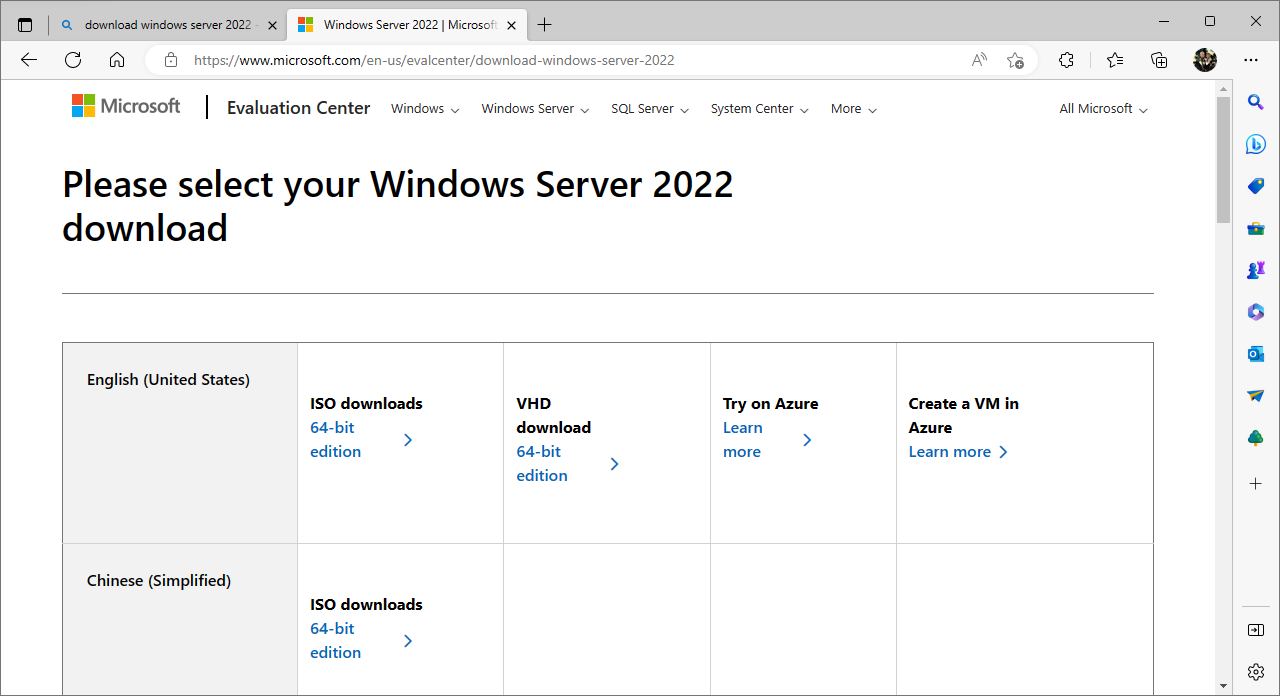
I chose to convert the VHD to a VHDX due to research indicating that is more resilient and a better format.
PS C:\> Convert-VHD -Path .\WindowsServer2022.VHD -DestinationPath .\Server2022VHDX.VHDX
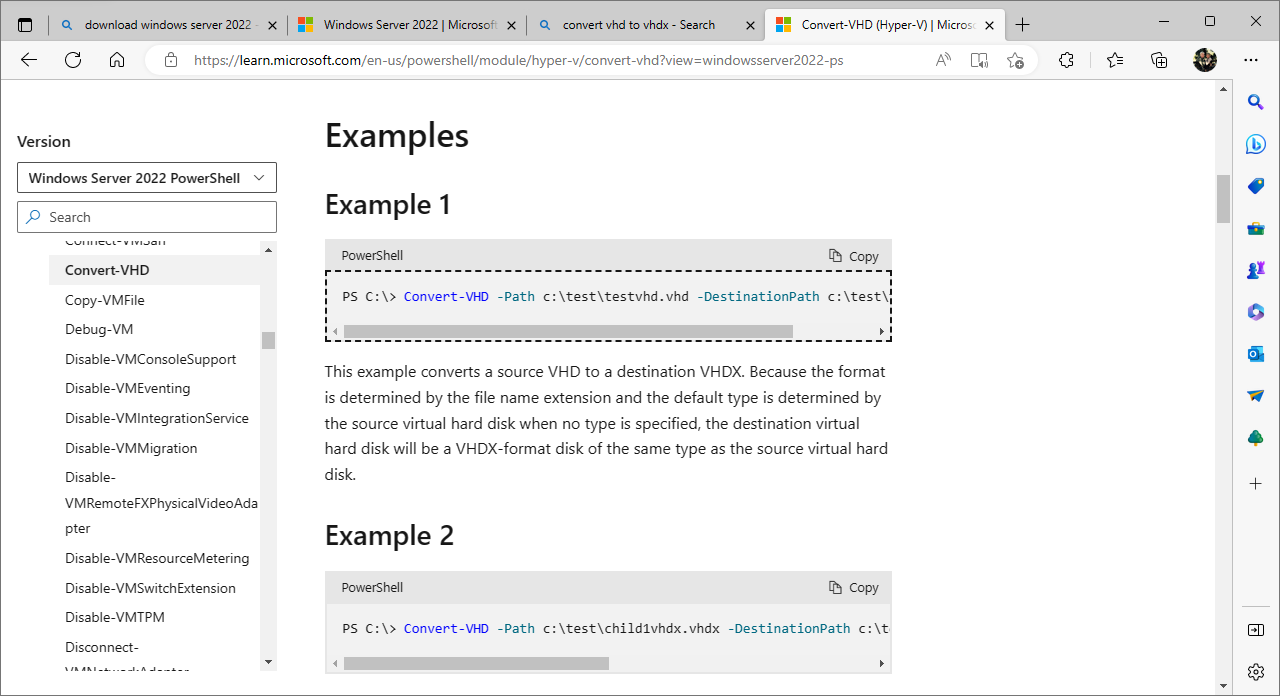
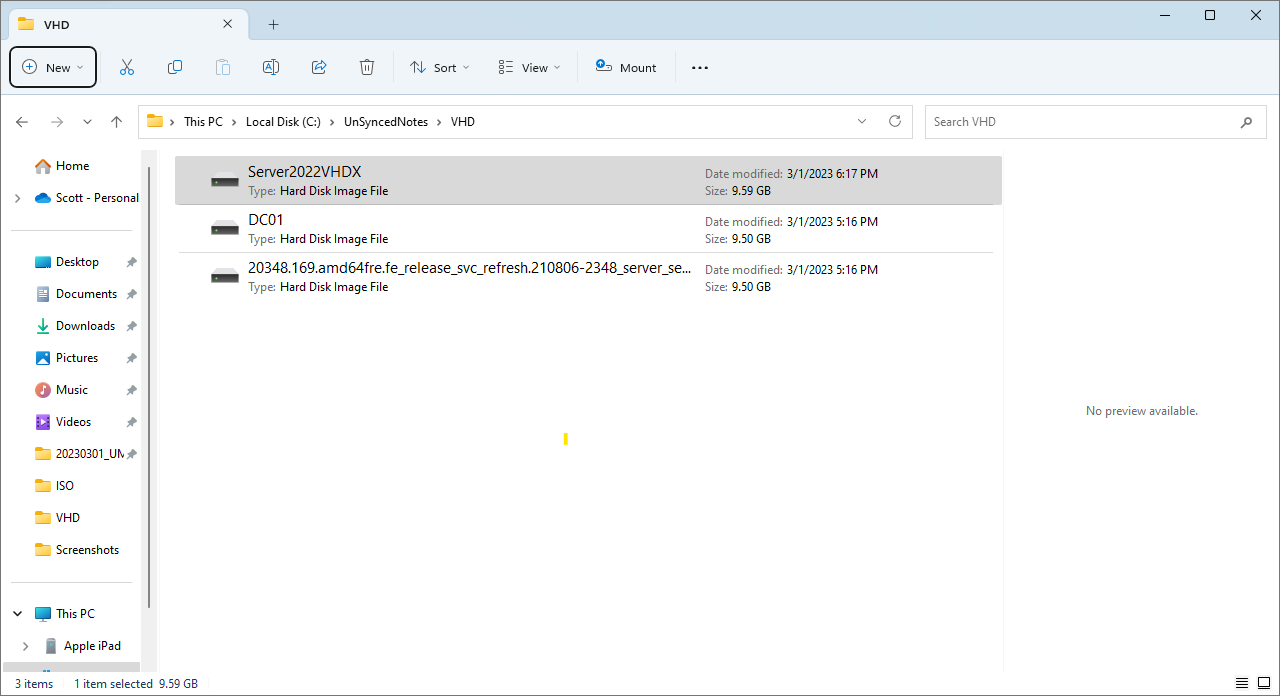
Once the conversion completes, copy the file.
Paste the VHDX file in C:\ProgramData\Microsoft\Windows\Virtual Hard Disks.
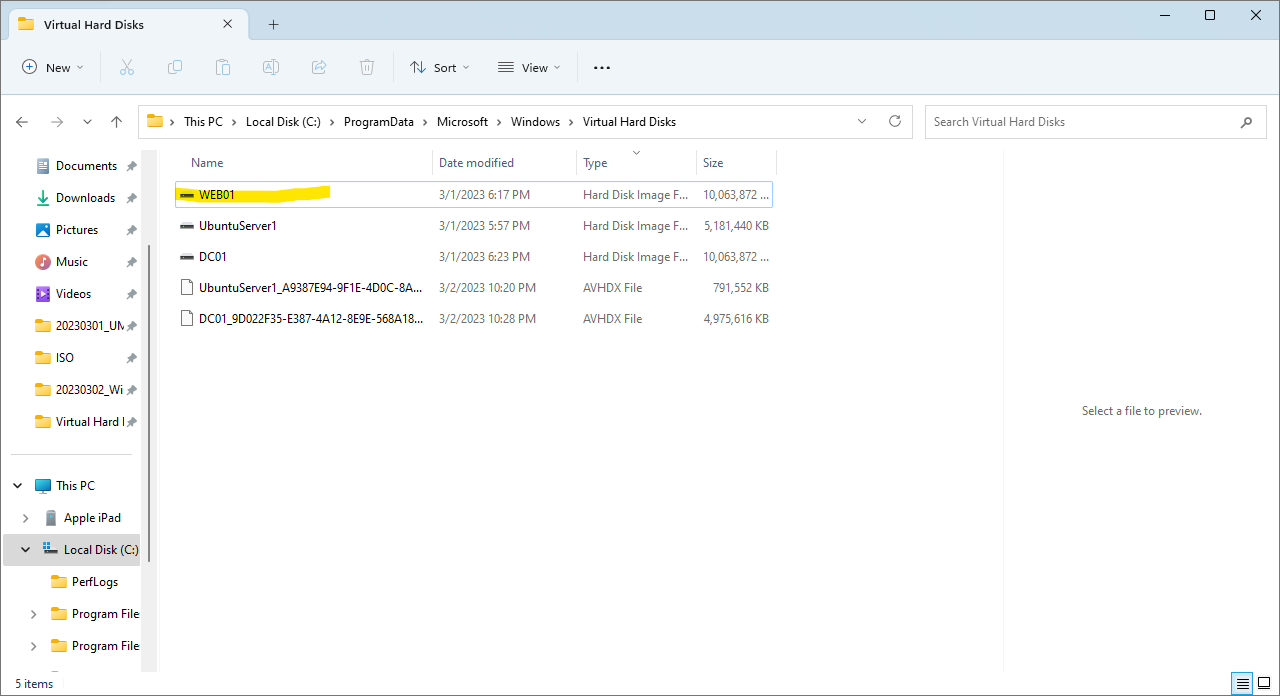
Create a new VM in Hyper-V Manager. For this example, I called it WEB01. I have already created one call DC01 and will create another called SQL01.
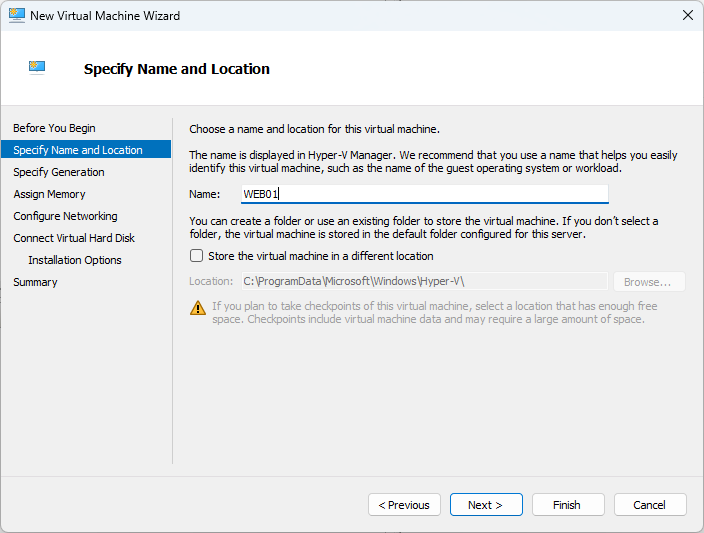
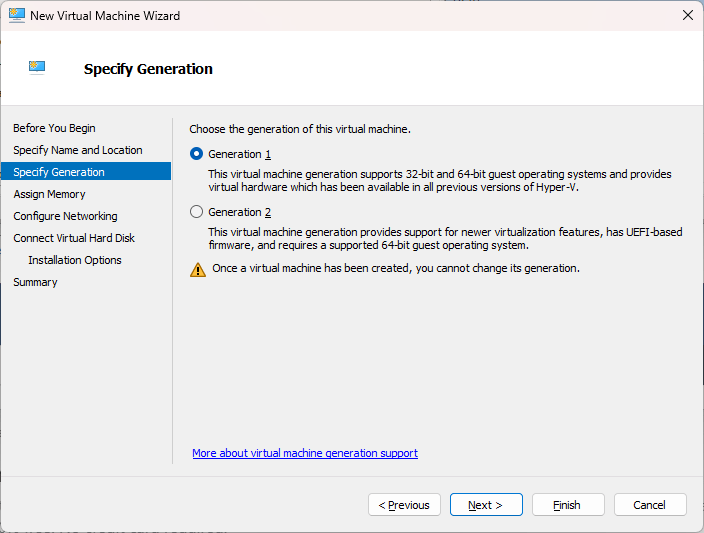
For the sake of basic compatibility and no frills, I went with Gen 1.
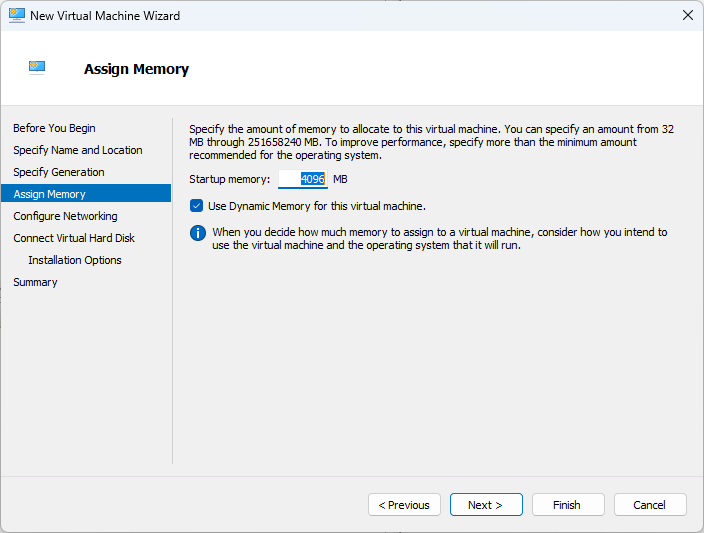
I went with 4GB ram.
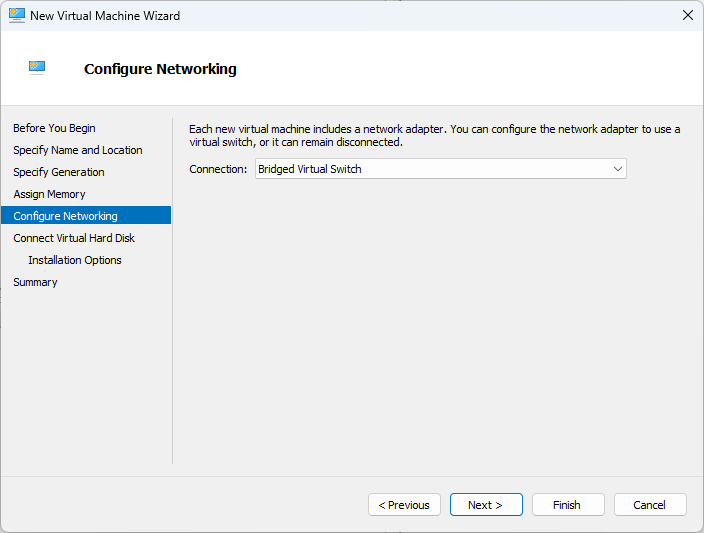
Still using the Bridged Virtual Switch over the wifi network interface.
Use the existing virtual hard disk VHDX. Browse and select Server2022VHDX.vhdx.
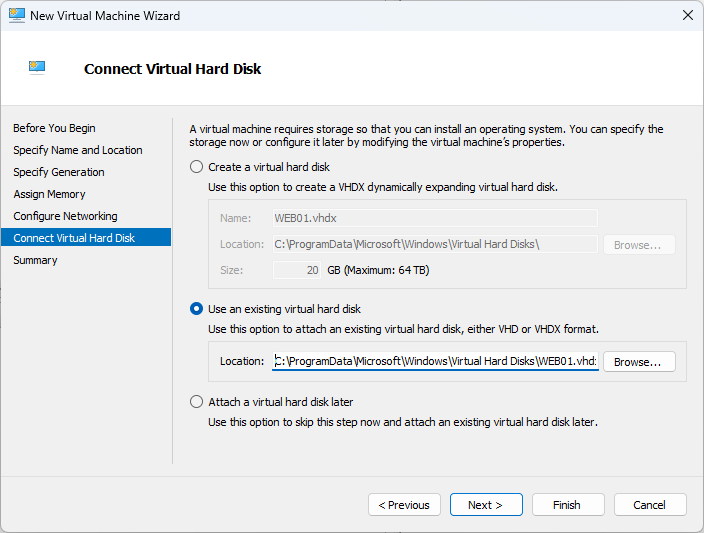
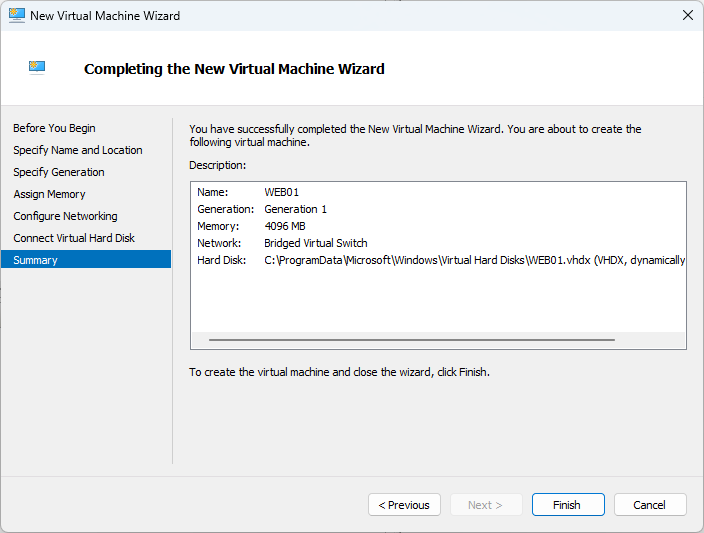
Clicking finish will configure the VM in the off state.
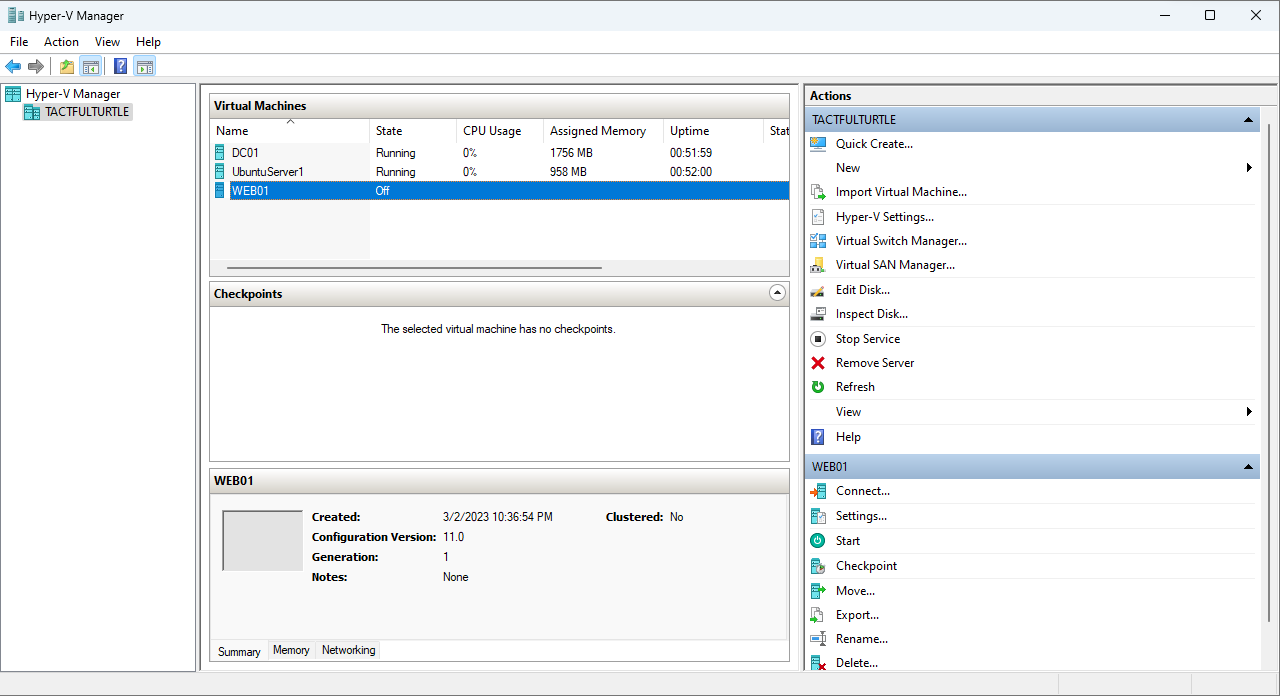
Select the VM under Virtual Machines click Connect.
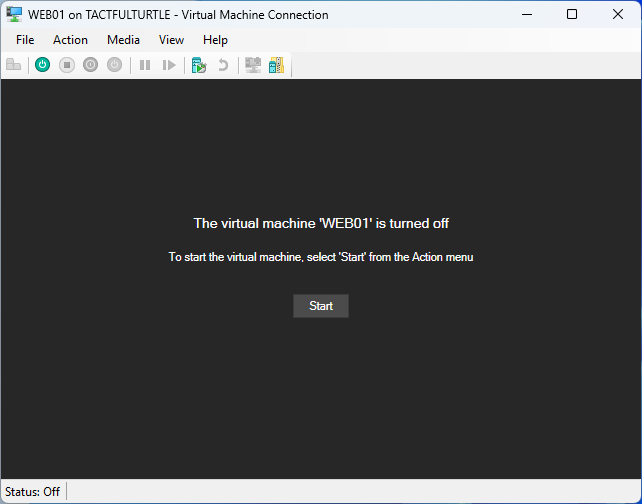
Click Start.
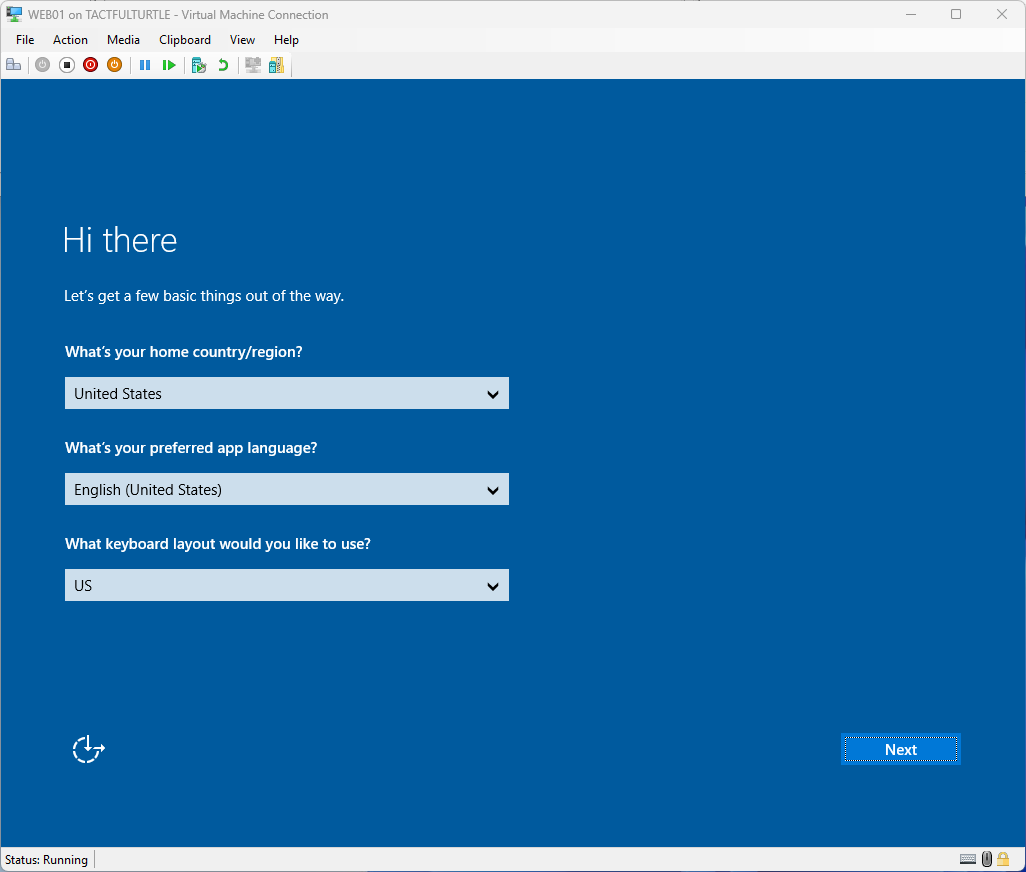
On boot, this is the first screen you get. Fill in country, language, and keyboard layout.
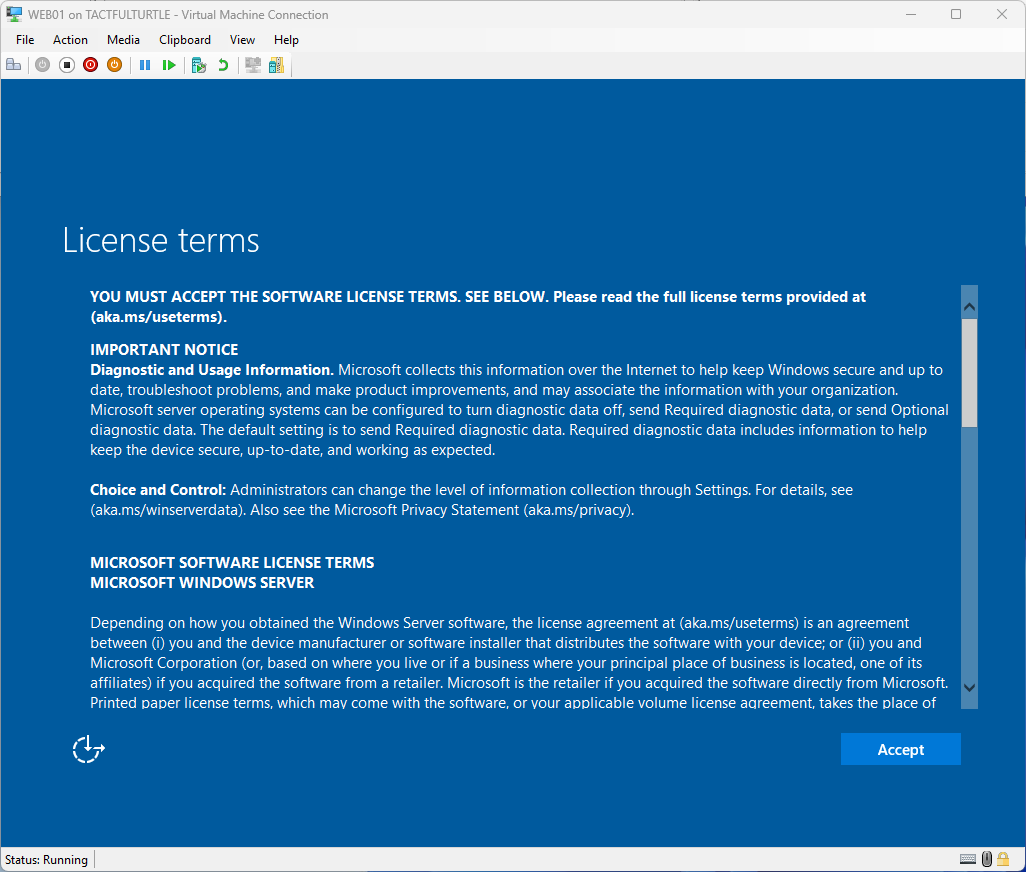
Accept the license terms and conditions.
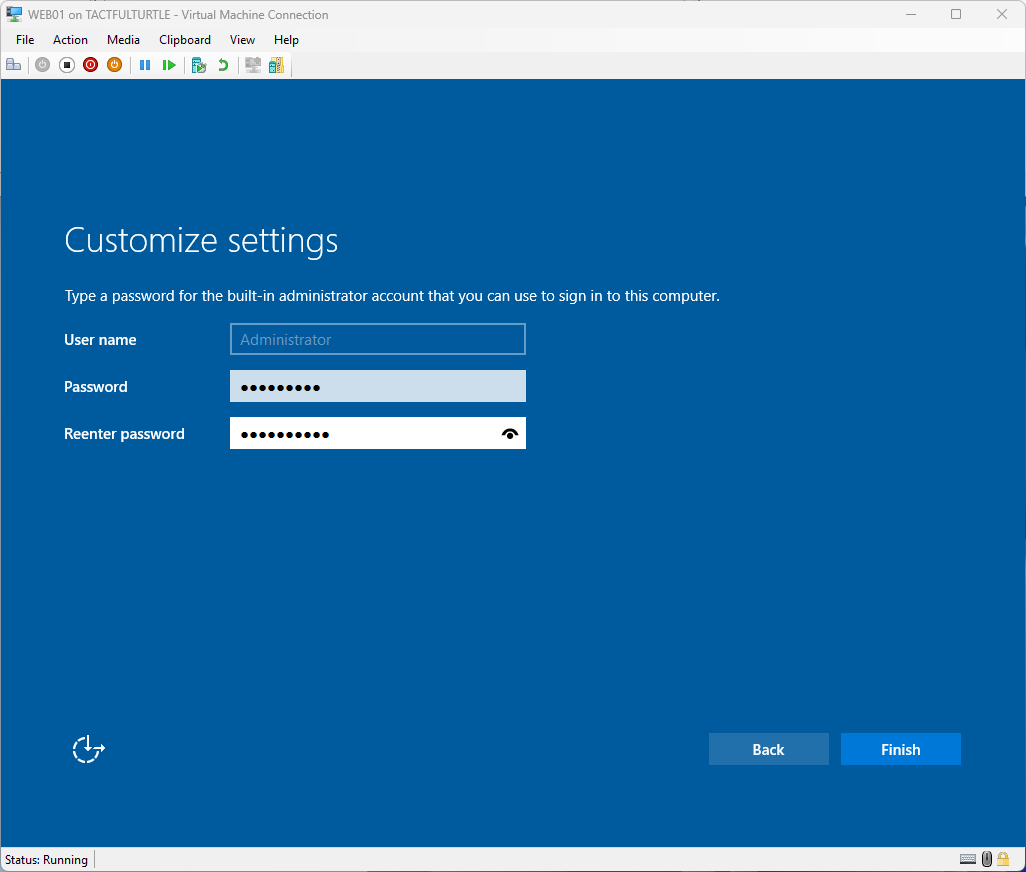
Enter a password twice for the local Administrator password and click Finish.
You can adjust the desktop space, but I simply accepted the default 1366×768 windowed desktop.
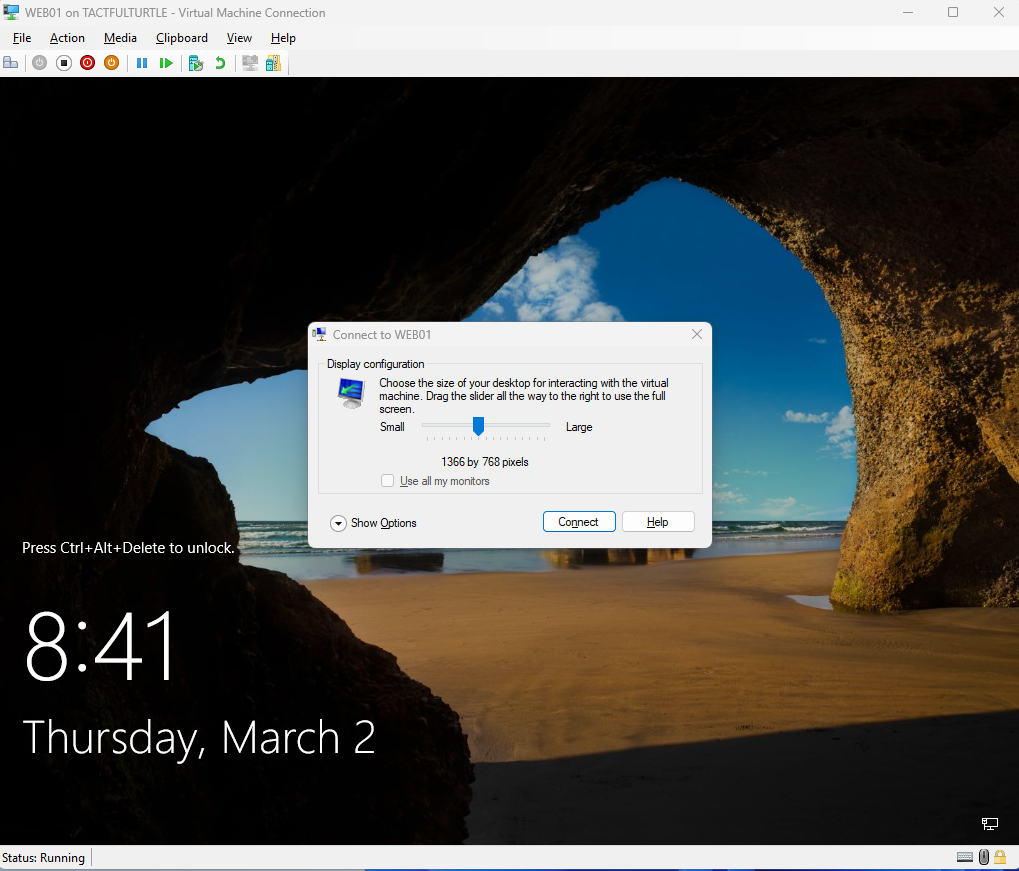
Login with the password you just set.
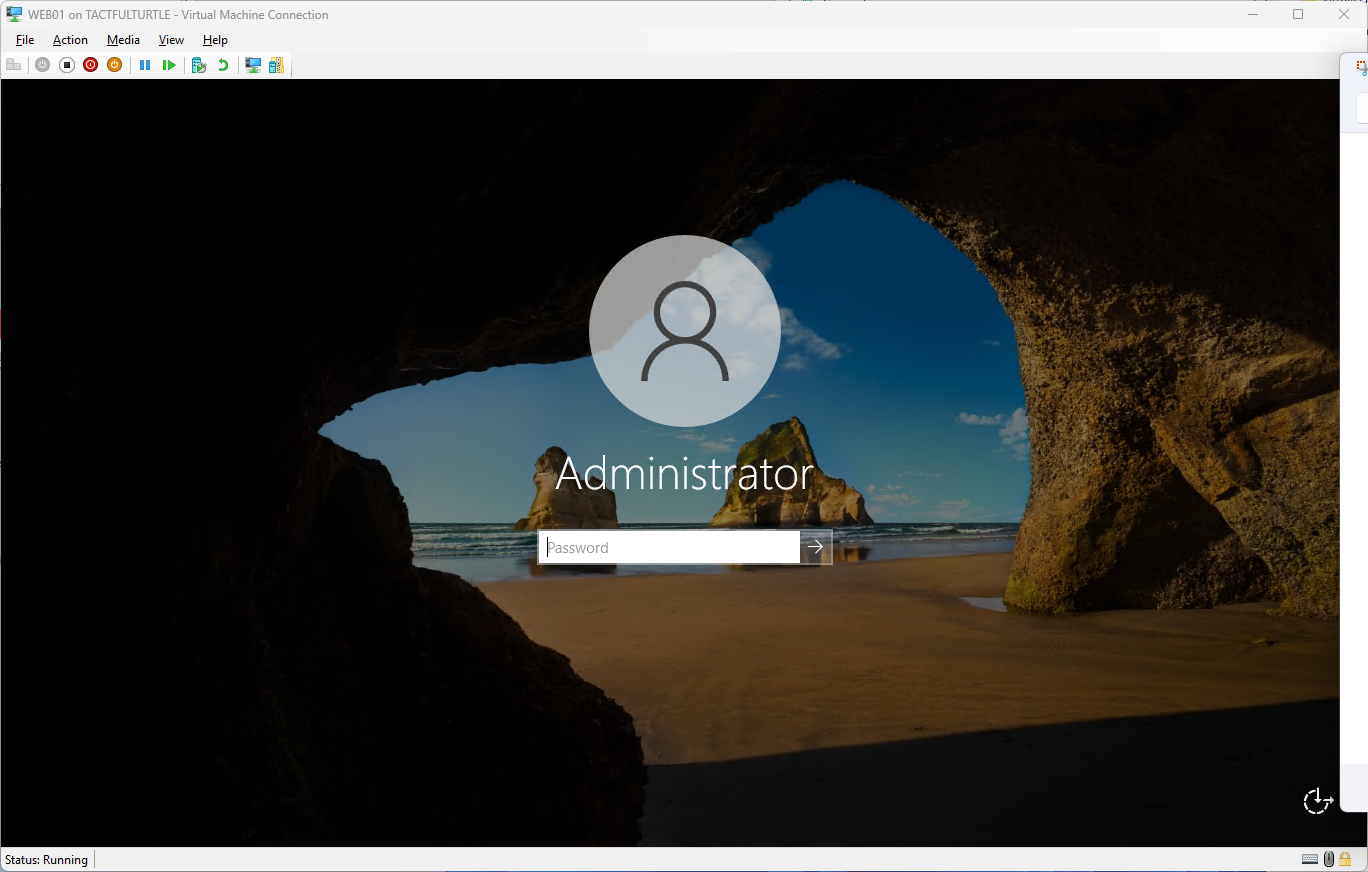
Yep, everything seems to be working.

I will stop here because I want to build out the other two servers before setting up the domain.
 Wireless Hobo
What edition of Windows Server are you using? Essentials or Standard? What edition for Hyper-V host and what for the guest?
What about client access licenses? There are Windows Server CALs and Remote Desktop Services CALs for example. CALs are not required in the Essentials edition, but there is a limit of 25 users and 50 devices. CALs are required for the Standard edition, but I think I read that they are not required for things like web services, and are not required for Windows Server that is ONLY used as Hyper-V host and not anything else..
LikeLike
Way overdue reply. So sorry. Last year MS went a different direction on free tenants used for learning their systems and honestly, I thought this project was dead. I was likely using Windows Server Standard at the time. The CALs really didn’t matter for this application at the time since my environment was so small and I was ok with completely starting over repeatedly.
LikeLike